
Connected during vacancy
Keep a view of the unit even when the apartment has no Wi Fi.
See the apartment. Talk to visitors. Review recordings. One portable camera with internet built in.
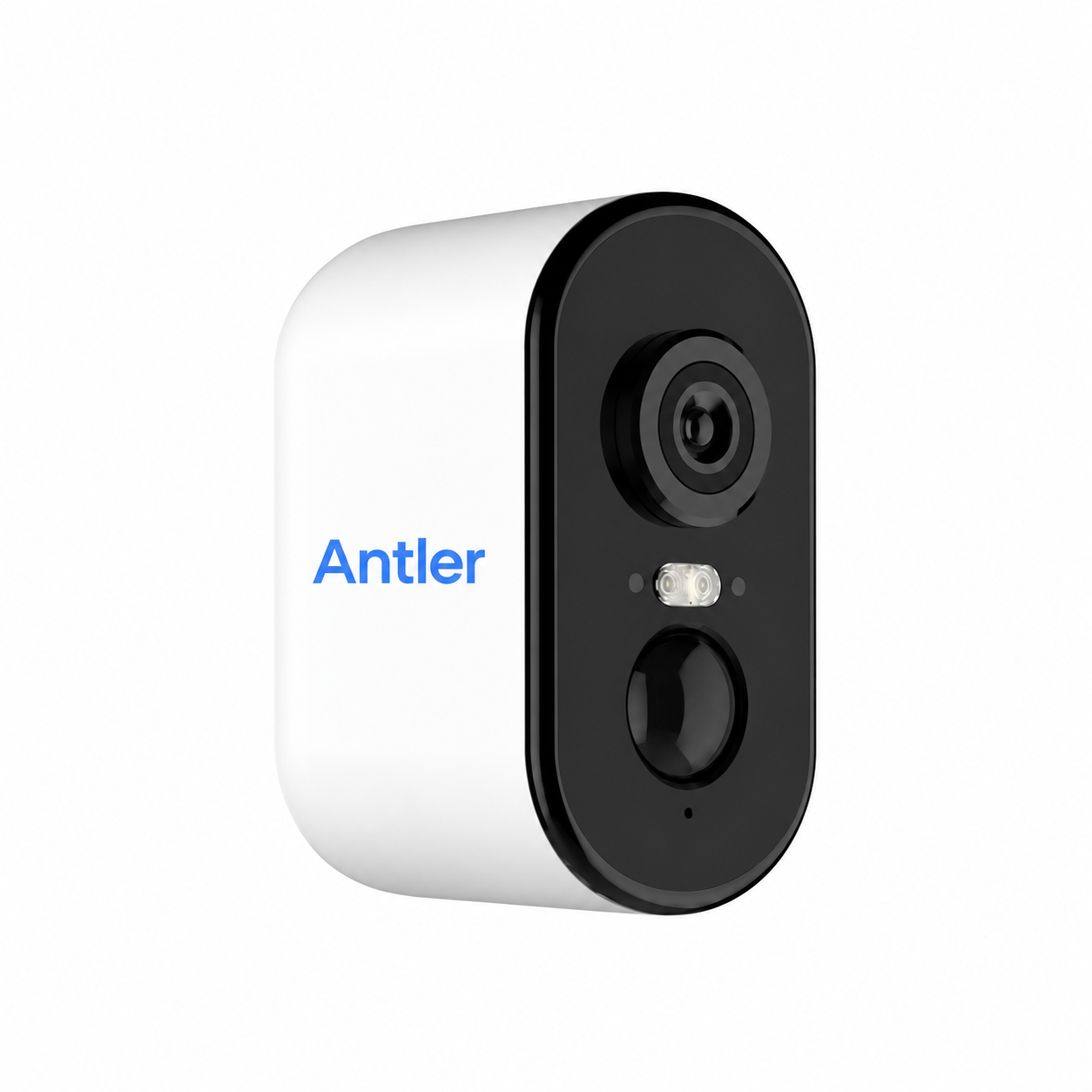
Keep a view of the unit even when the apartment has no Wi Fi.
Check what is happening before deciding whether a trip is needed.
Hear a visitor and answer a question through the camera.
Review available recordings when you need more context.
See a camera view beside access controls. Help a visitor while managing a compatible connected lock.
See the phone experience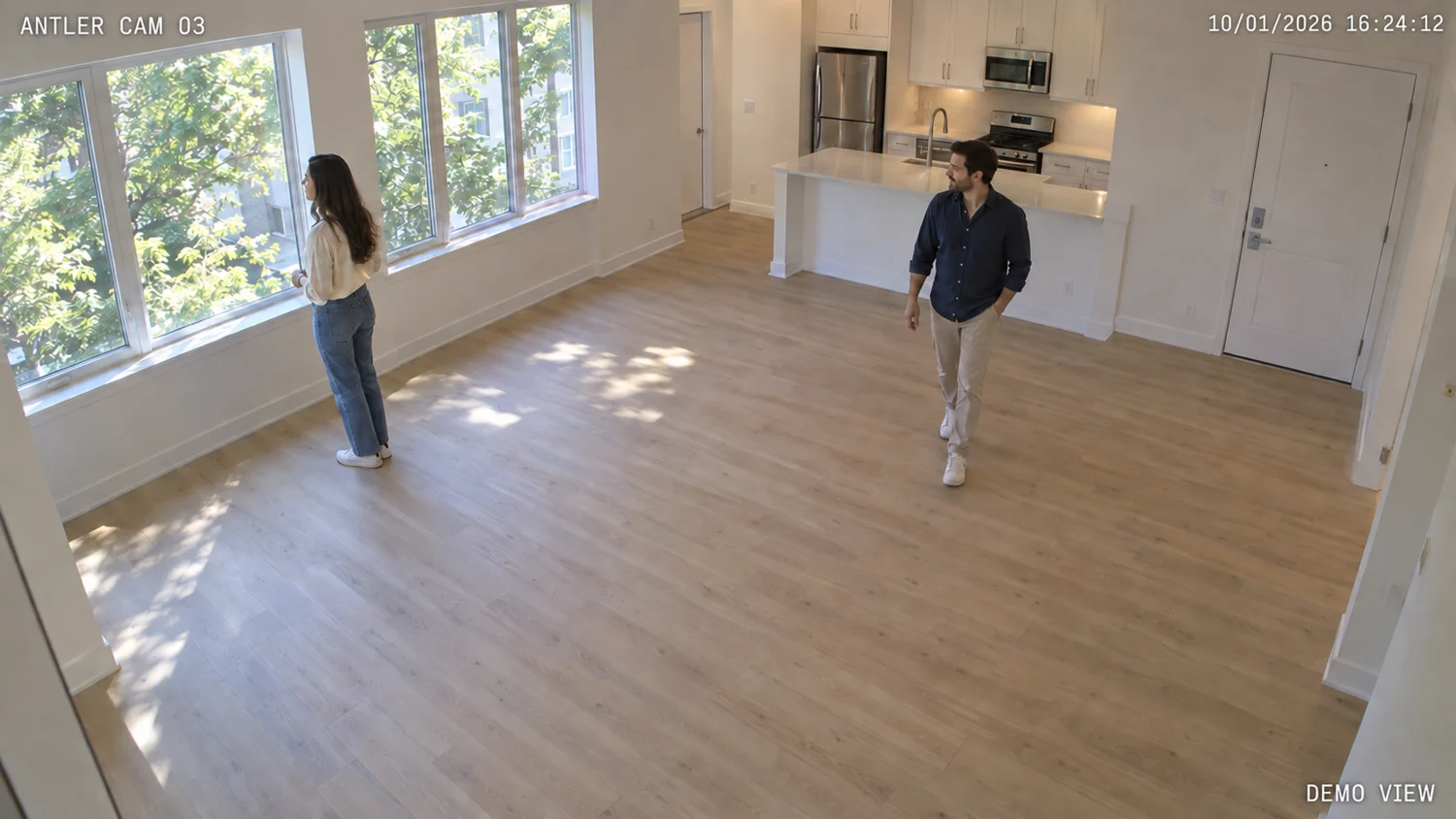 Illustrative camera view
Try the controls. Sample interface, no device connected.
Set up the camera in the vacant unit and check cellular coverage.
Support showings with live viewing, audio, and available recordings.
Remove before move in. Suspend service while stored, then reuse at the next vacancy.