
A code for each need
One-time, scheduled, recurring, or permanent PINs.
Keep your lock. Add a lockbox and camera for approved self showings.
Request a demo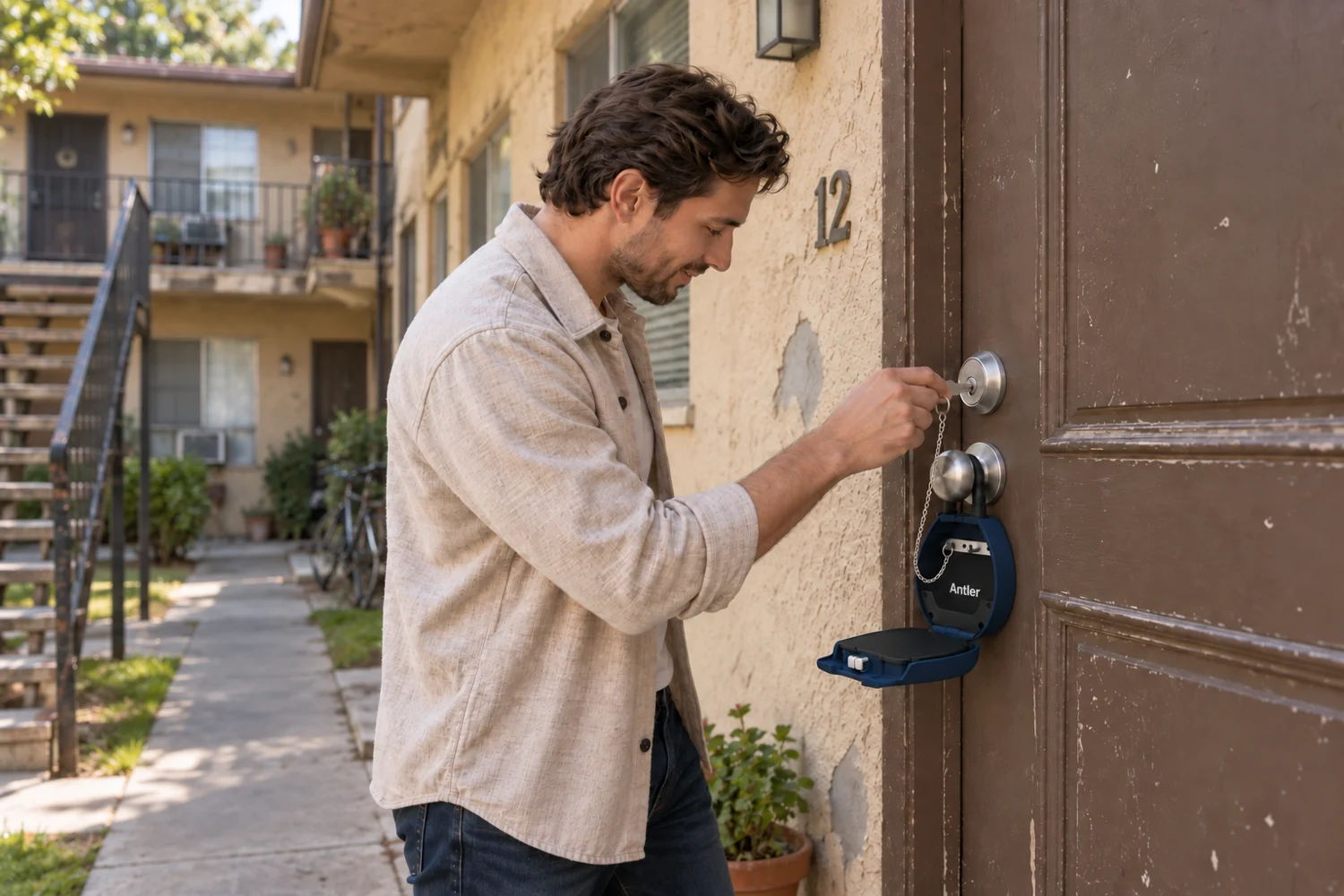
The Keybox 3E setup brings flexible PIN access to your existing apartment key.
One-time, scheduled, recurring, or permanent PINs.
Visitors enter a PIN. No app to download.
A removable chain keeps the key with the lockbox.
Attach to a compatible handle or wall. Keep your existing door lock.
Review supported activity logs. Availability depends on the connected setup.
Four AAA batteries, with USB-C emergency power.
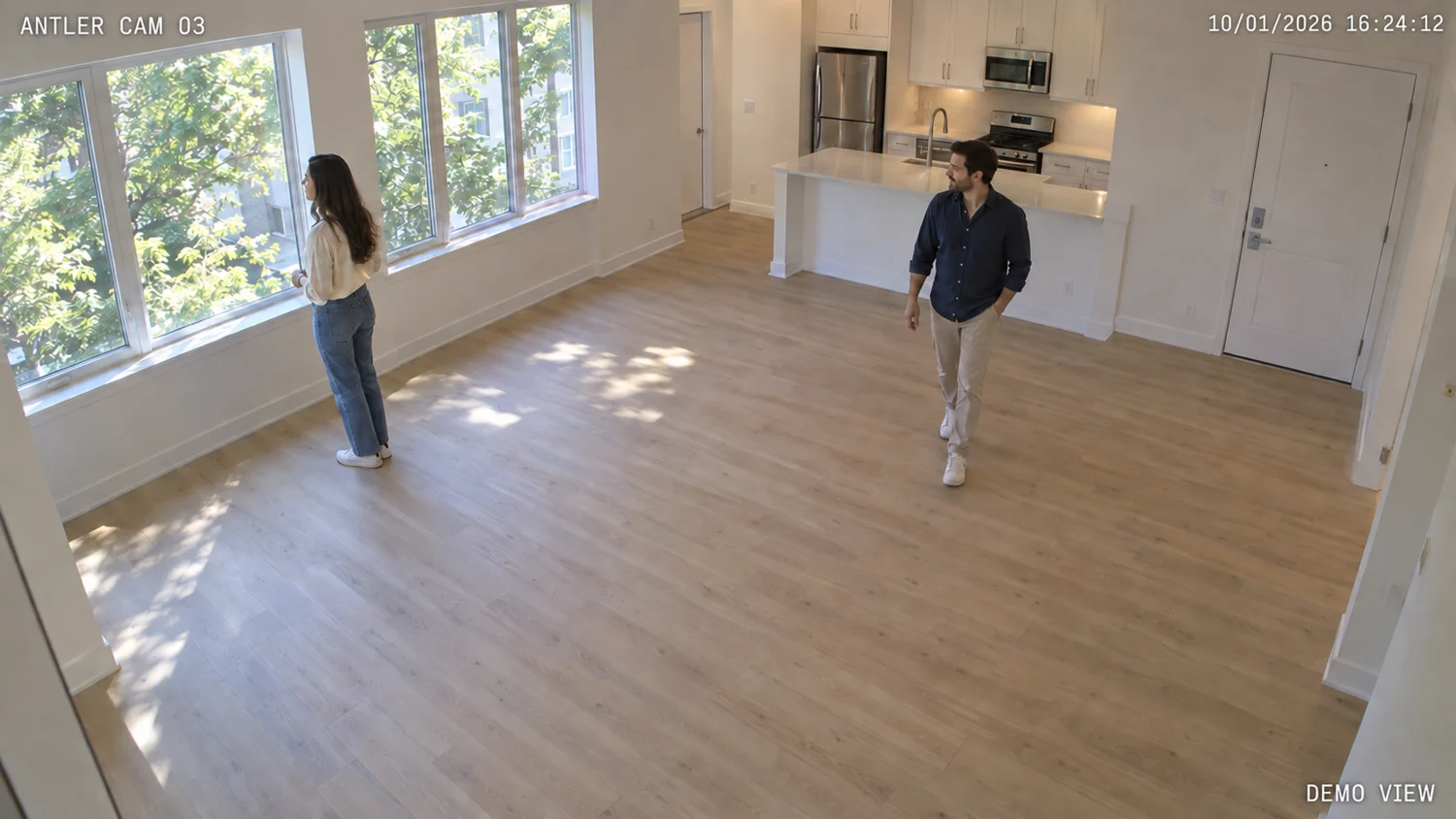 Illustrative camera view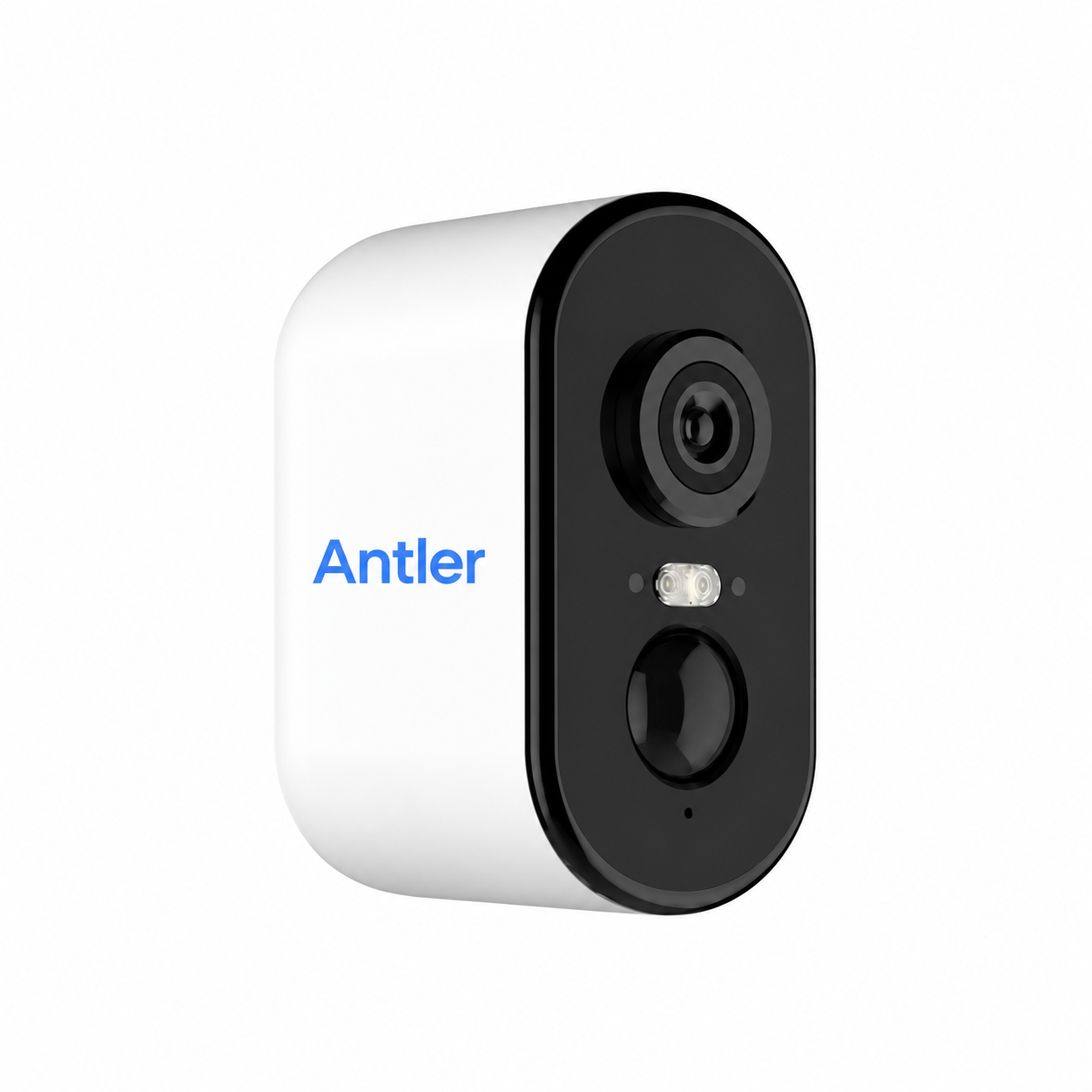
Watch, talk, and review recordings. Built-in 4G needs coverage and an active data plan.
Explore the cameraAdd AI assistance or live leasing agents to help with the work around the showing.
Explore leasing servicesInquiry replies, a booking link, required identity verification, approval, and reminders.
Timed access instructions, a camera view inside, and assistance according to your plan.
Follow up on questions, collect feedback, and connect interested renters with the application.
Remove the indoor camera before move-in. Suspend its service between vacancies, then move the kit to the next empty apartment.